

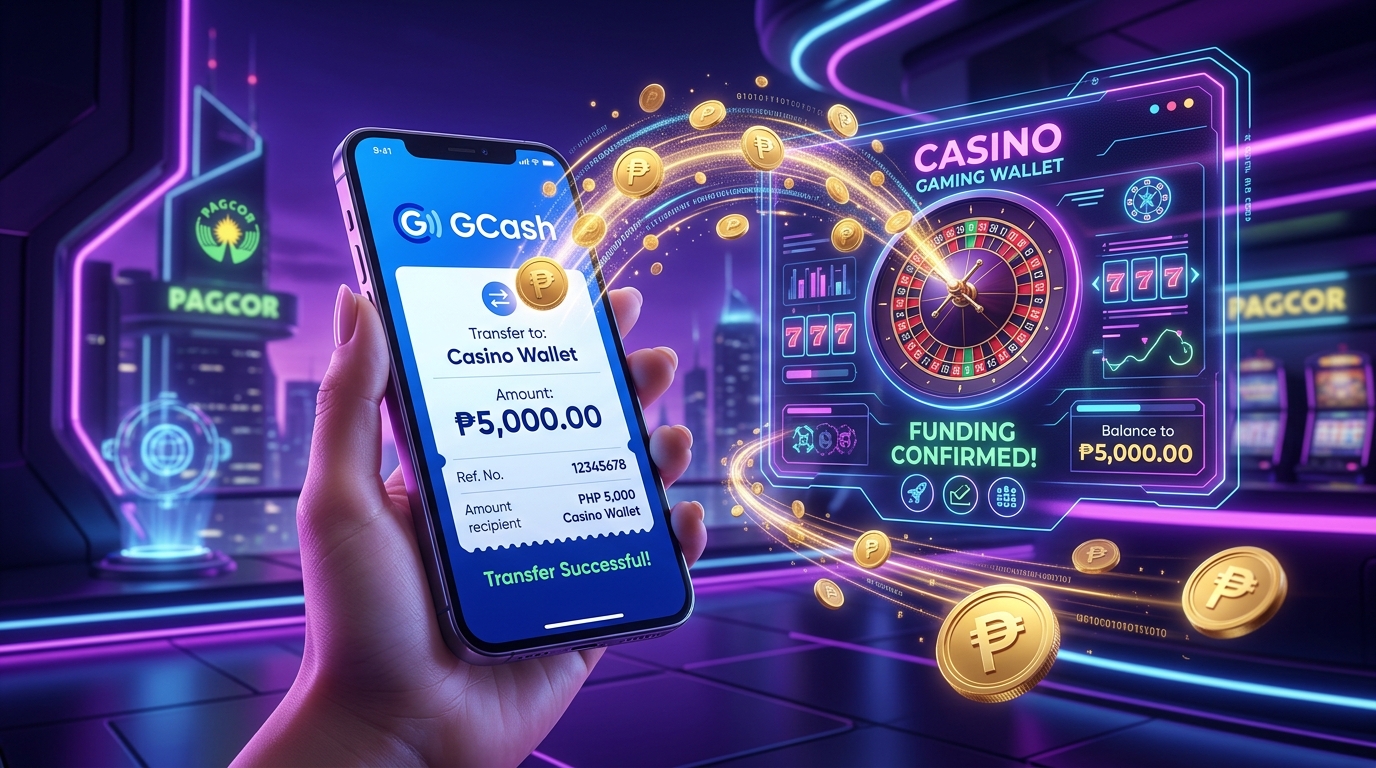
# JiliAce Deposit Guide: Seamless Funding via Local E-Wallets
Funding your JiliAce gaming balance allows you to participate in real-money slot games, live dealer baccarat, and local community tournaments. In the Philippine gaming landscape, convenience and transaction speed are paramount, which is why the platform integrates deeply with domestic mobile financial channels including GCash and Maya. This operational walkthrough covers verified deposit pathways, minimum and maximum transaction thresholds, transaction fees, and actionable troubleshooting steps for payment anomalies.
By following verified financial workflows, you ensure your deposits credit instantly while keeping your sensitive monetary accounts secure.
---
Supported Domestic Payment Methods & Limits
Before initiating a deposit, examine the operational parameters of each supported financial channel:
| Payment Gateway | Minimum Deposit | Maximum Per Transaction | Typical Processing Time | Applicable Transaction Fee |
|---|---|---|---|---|
| GCash Direct / QR | ₱50 | ₱50,000 | Instant (< 60 seconds) | 0% |
| Maya (PayMaya) | ₱100 | ₱50,000 | Instant (< 60 seconds) | 0% |
| GrabPay | ₱100 | ₱20,000 | Instant (< 2 minutes) | 0% |
| Online Banking (InstaPay / PESONet) | ₱500 | ₱100,000 | 5–15 minutes | Bank dependent |
| USDT Crypto (TRC-20) | ₱1,000 (equiv.) | Unlimited | Network confirmation (3–5 mins) | Blockchain gas fee |
---
How to Deposit on JiliAce Using GCash
GCash remains the most popular funding avenue for Filipino players due to its universal mobile availability and rapid processing speeds.
Step 1: Access the Cashier
Log into your authenticated member dashboard and tap the "Deposit" or "Cash In" button prominent in the top navigation bar.Step 2: Select GCash Gateway
Choose "GCash" from the list of payment channels. The system will display available deposit amounts (such as ₱100, ₱200, ₱500, ₱1,000, ₱5,000) alongside a custom numerical input field. Enter the specific amount you wish to credit.Step 3: Choose Promo Code (Optional)
If you wish to participate in an active first-deposit match or reload rebate, select the eligible offer from the drop-down menu. If you prefer playing without wagering turnover requirements, select "No Bonus". Review details in our JiliAce Promotions Guide.Step 4: Authorize via GCash Portal or QR Code
Click "Confirm Deposit". The system will open the secure payment window presenting two options:- Scan QR Code: Capture a screenshot of the dynamic QR code, open your GCash mobile application, tap "QR", select "Upload from Gallery", and approve the exact payment amount.
- Direct Web Pay: Enter your registered GCash mobile number, input the SMS OTP sent to your phone, verify your 4-digit MPIN, and authorize the transfer.
- Strict Name Matching Mandate: The full legal name on your digital wallet must match the legal name on your casino account. Depositing funds using an account owned by a third party, friend, or relative will result in transaction rejection and risk account freezing.
- Avoid Reusing Dynamic QR Codes: Each generated QR code or payment address is single-use and tied to a unique transaction ID. Never send funds to an expired or previously used QR code.
- Keep Receipts Until Confirmed: Always take a screenshot of your digital wallet receipt showing the Reference Number until the funds appear in your playable balance.
Step 5: Automatic Wallet Credit
Once authorized, return to your casino dashboard. The funds will reflect in your main balance within seconds. Save the transaction reference number displayed on your GCash confirmation receipt for personal bookkeeping.---
How to Deposit on JiliAce Using Maya
Maya offers a dependable, highly encrypted alternative for players utilizing digital banking and virtual cards:
1. Select "Maya" within the deposit section of the cashier. 2. Specify your funding amount (minimum ₱100). 3. Tap "Submit". The system redirects you to the encrypted Maya checkout interface. 4. Provide your registered Maya mobile phone number and account password. 5. Enter the one-time security authentication PIN dispatched to your smartphone. 6. Verify transaction details and tap "Pay Now". 7. Upon successful payment confirmation, your balance updates immediately.
---
Important Deposit Guidelines & Compliance Rules
To prevent transaction errors, account flagging, or delayed payouts, adhere to these vital principles:
To understand how to withdraw your winnings after playing, review our JiliAce Withdrawal Guide.
---
Deposit Troubleshooting & Problem Resolution
| Symptom | Underlying Cause | Corrective Action |
|---|---|---|
| Deducted from Wallet but Not Credited | Transient bank network latency, delayed API webhook notification, or mismatched transfer amount. | Wait 5 to 10 minutes. If balance remains unchanged, open customer live chat and provide your player username, exact transaction timestamp, and digital wallet Reference Number. |
| "Payment Gateway Unavailable" | Scheduled system maintenance by the local electronic wallet or high platform traffic. | Switch to an alternative payment channel (such as switching from GCash to Maya) or retry after 15 minutes. |
| "Transaction Limit Exceeded" | The transfer exceeds your monthly or daily inbound wallet thresholds under local regulations. | Complete identity verification on your e-wallet to raise tier limits, or split your deposits into smaller increments. |
---
Frequently Asked Questions
What is the absolute minimum amount I can deposit on JiliAce?
The minimum cash-in threshold starts as low as ₱50 through select GCash micro-transfer channels, making the platform accessible for casual players.Are there any service fees charged when depositing?
The platform does not deduct any transaction or service fees on deposits. 100% of your transferred amount is credited directly to your playable balance.How long does it take for funds to show in my account?
E-wallet transfers via GCash and Maya typically reflect in your casino balance within 30 to 60 seconds of completion.Can I deposit using someone else's GCash account?
No, third-party funding is strictly prohibited under anti-money laundering regulations. The name registered on the electronic wallet must match your verified casino profile.What should I do if I sent money to an expired QR code?
Contact 24/7 customer support immediately through the live chat interface. Present your payment screenshot and reference number so an agent can manually locate the funds in the financial ledger.Explore JiliAce Real Money Games
Claim your free trial bonus and play securely on the verified Philippine platform.
Play Now on JiliAce